





Recurly Integration for WooCommerce
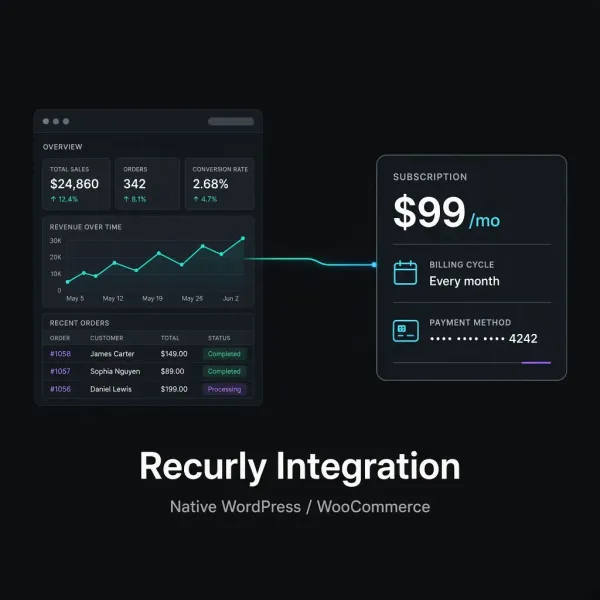
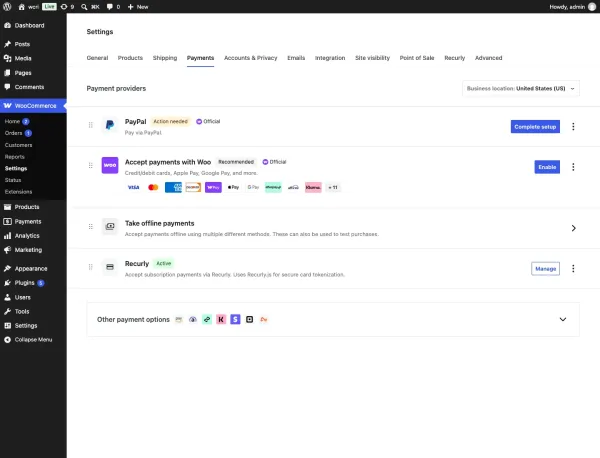
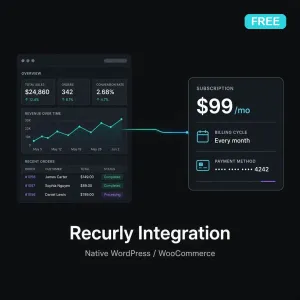
Recurly Integration is a native WordPress plugin for WooCommerce. It adds a Recurly payment gateway, a Recurly Subscription product type, and Recurly.js Elements on your checkout. Recurly is the billing engine; WooCommerce remains the storefront.
This is not a Zapier recipe, Make scenario, or generic webhook connector. Plans, customers, and subscriptions are created from WooCommerce using Recurly’s API. Card data is tokenized in the browser by Recurly.js and never touches your WordPress server. Monthly and annual licenses are sold from this page ($29/month or $249/year).
Integration walkthroughs: Recurly Integration documentation and How to Connect Recurly to WooCommerce Without Zapier.
Native Recurly.js checkout for WooCommerce
Recurly Integration adds Recurly.js Elements on classic checkout and WooCommerce Blocks. The Recurly payment gateway only appears when the cart contains Recurly subscription products. PCI-compliant card fields never hit WordPress.
Key features of Recurly Integration
- WooCommerce payment gateway that only appears when the cart has Recurly subscription products
- PCI-compliant Recurly.js Elements (classic checkout and WooCommerce Blocks)
- Automatic Recurly plan creation from product configuration
- Free-trial display in the WooCommerce cart and a trial badge on shop/product pages
- HPOS and cart/checkout Blocks compatibility
- One Recurly account per logged-in WooCommerce customer (
wc-user-{id})
How WooCommerce and Recurly work together
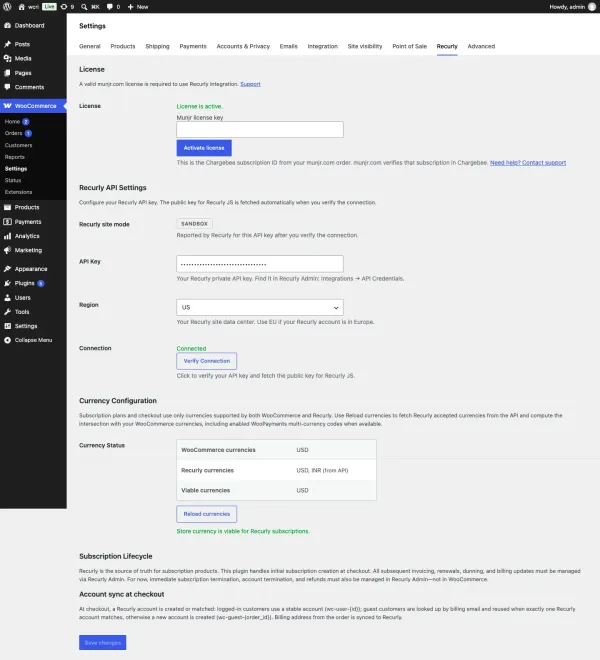
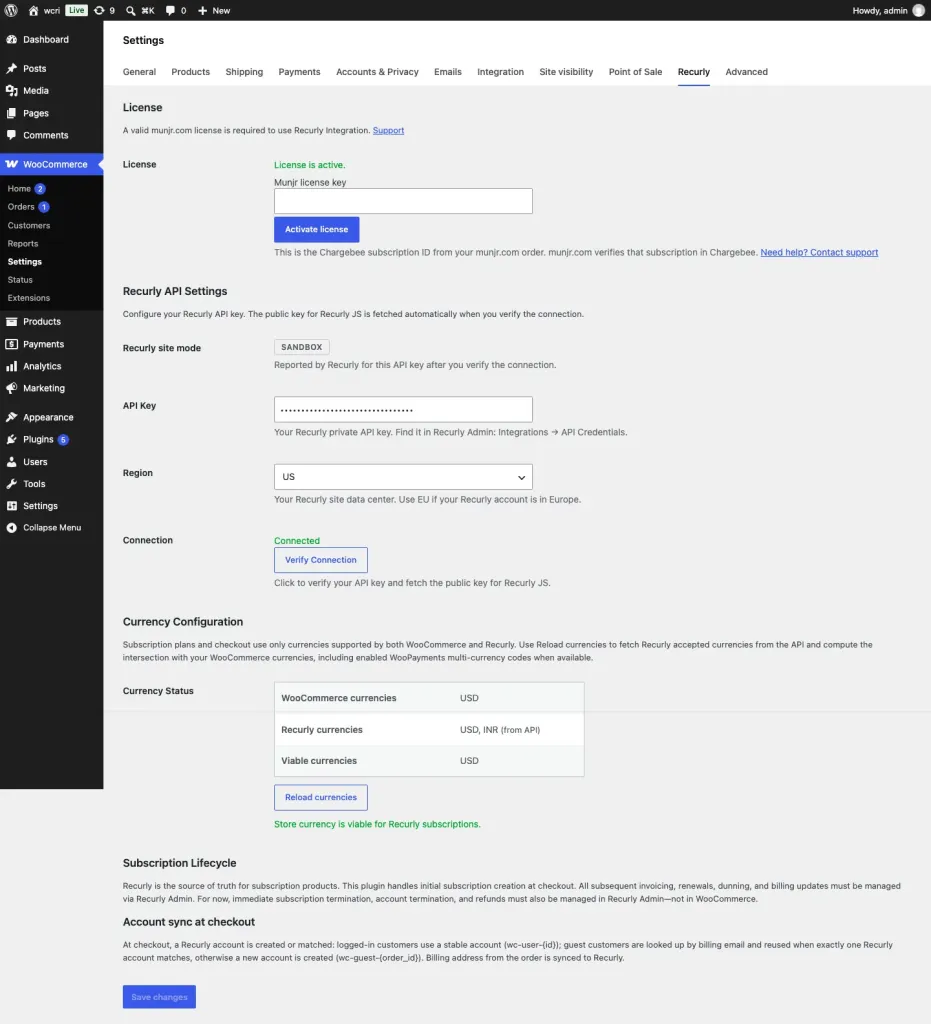
- Connect your Recurly site under WooCommerce → Settings → Recurly and click Verify Connection.
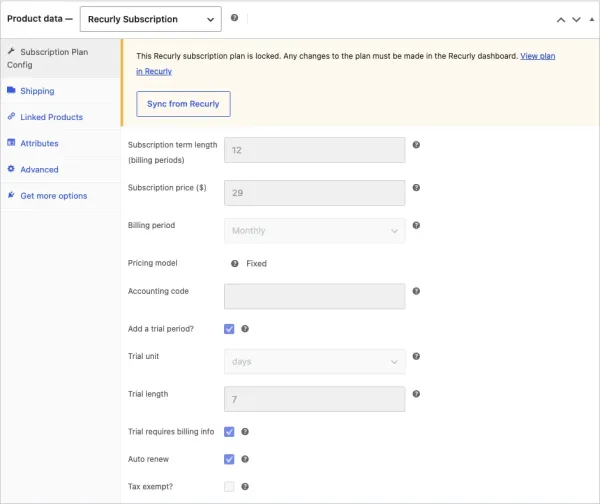
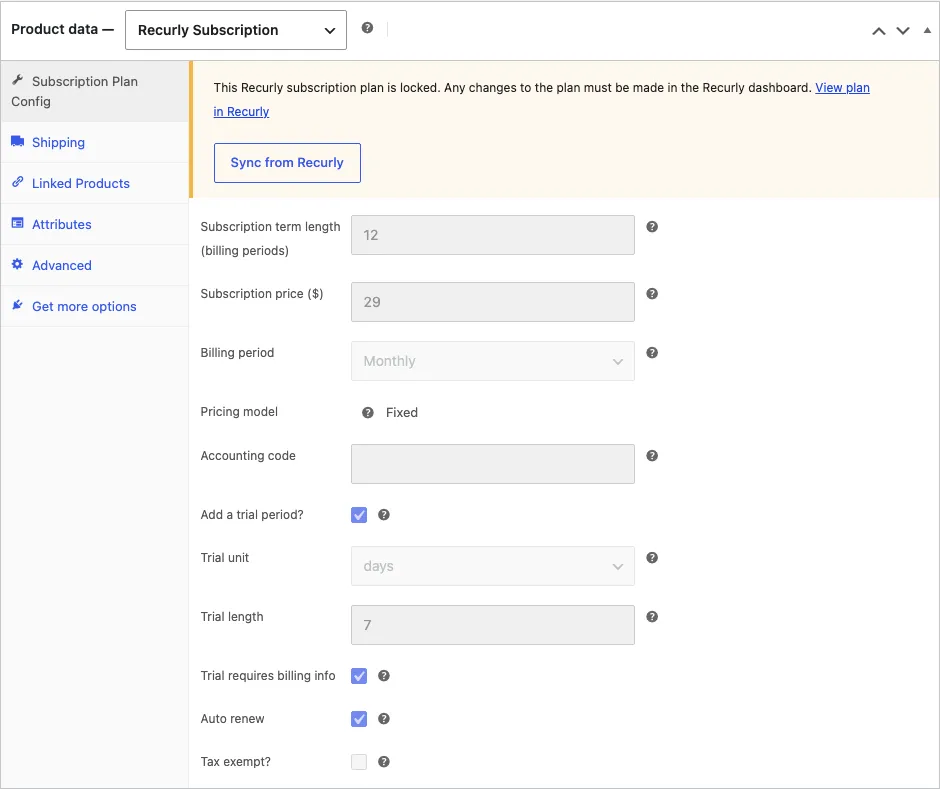
- Create a product and set the type to Recurly Subscription.
- Configure term, price, billing period, and optional trial. On save, Recurly Integration creates the Recurly plan (
wc-{product_id}). - Shoppers check out on WooCommerce. Recurly.js collects the card; WordPress creates the Recurly account and subscription.
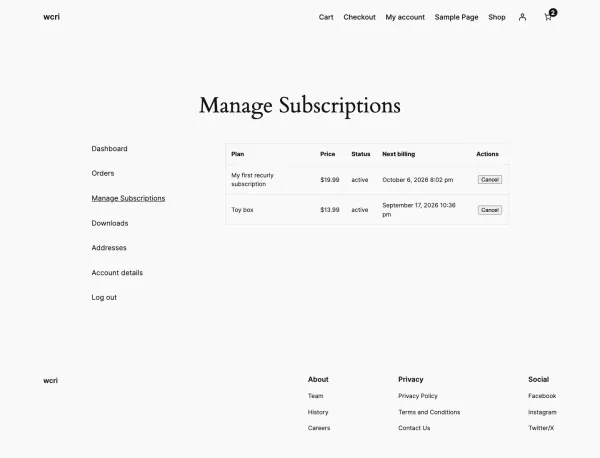
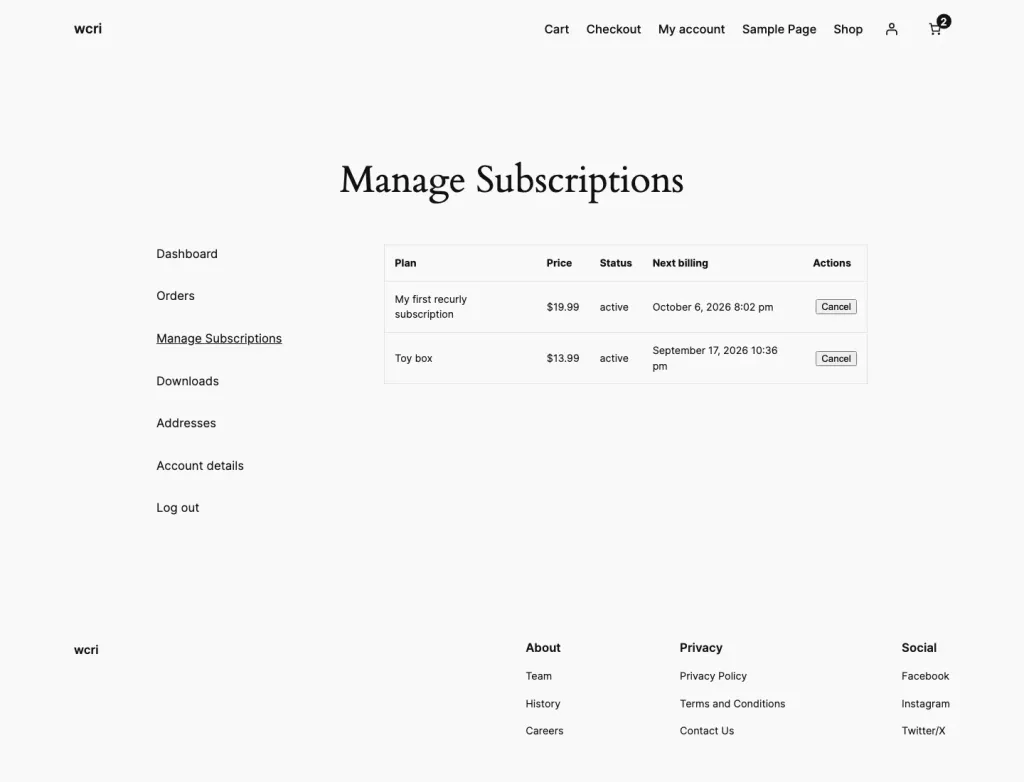
- Renewals, invoicing, and dunning run in Recurly. Logged-in customers can cancel at period end or reactivate from My Account → Manage Subscriptions.
See Recurly Integration in WooCommerce
Click the product images above to browse the plugin screens, or scroll the captures below.
Recurly’s platform docs: docs.recurly.com.
Requirements
- WordPress 6.2+ and WooCommerce 8.0+
- PHP 7.4+
- Your own Recurly account and API key
Frequently asked questions
Is Recurly Integration a Zapier connection?
No. It is a native WordPress / WooCommerce gateway. See Connect Recurly to WooCommerce Without Zapier.
Where do I put the license key?
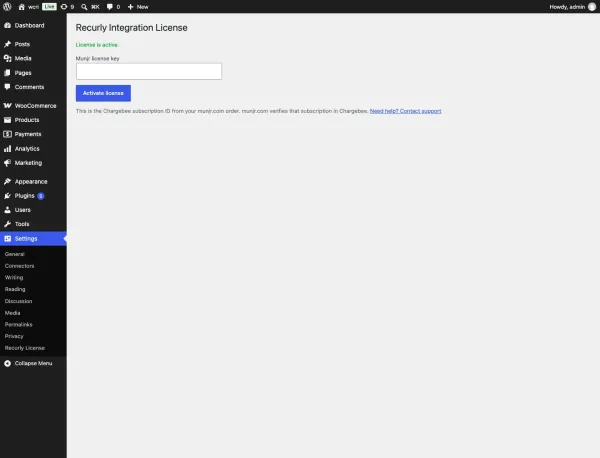
After checkout you receive a Munjr license key (the Chargebee subscription ID from munjr.com). Paste it under Settings → Munjr License on the site where you install Recurly Integration. One site per subscription.
Does Recurly Integration replace WooCommerce as the storefront?
No. WooCommerce stays the cart, theme, and My Account. Recurly runs plans, invoices, and dunning. Full setup: Recurly Integration documentation.
After you buy Recurly Integration you receive a Munjr license key from munjr.com. Enter it under Settings → Munjr License on the WordPress site where you install the plugin (one site per subscription).
A free edition, without a Munjr license, is Recurly Integration (Free). It does not create WooCommerce orders for later renewals. Full setup: Recurly Integration documentation.
Reviews
There are no reviews yet.