

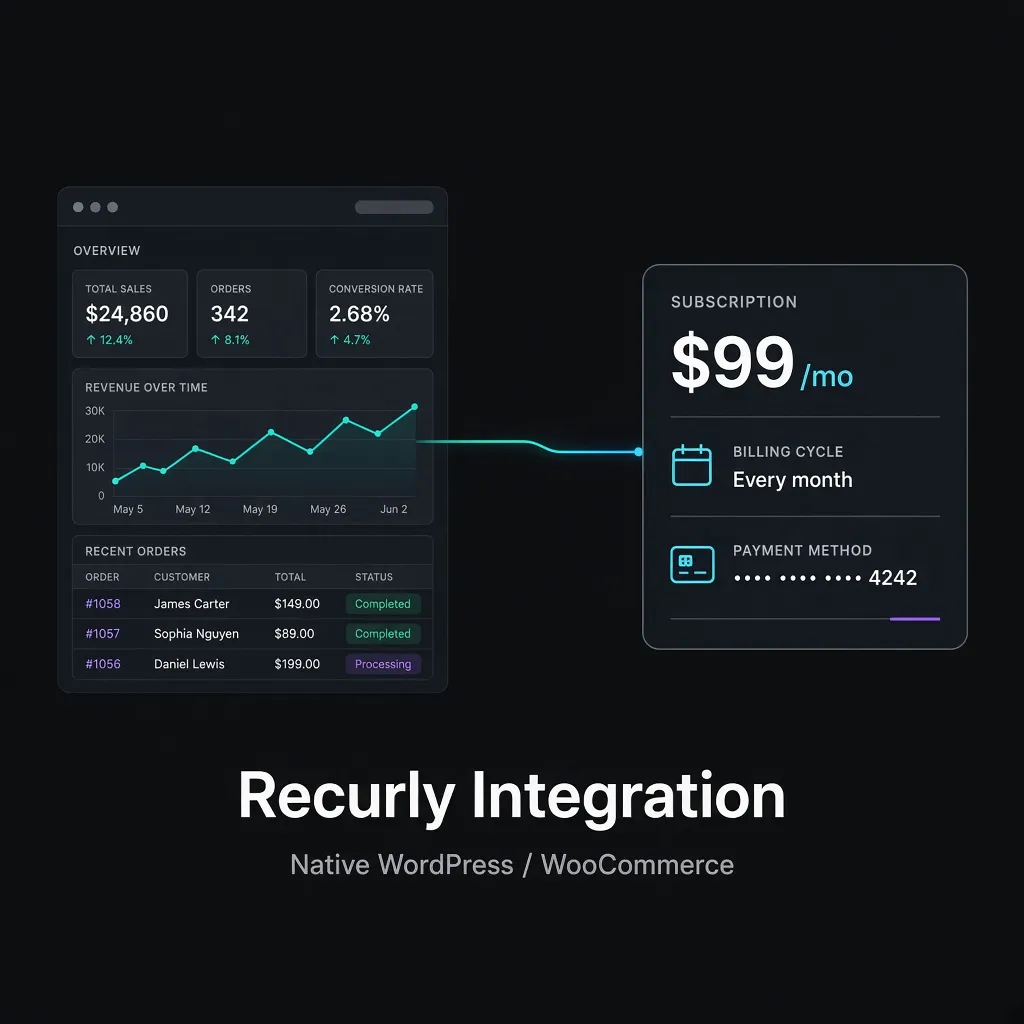
Most “Recurly + WooCommerce” recipes copy an order into Recurly after checkout. The shopper still pays in Woo. Recurly never sees the card until a Zap runs—and renewals, dunning, and the customer record live in a different system than the storefront.
What a native Recurly gateway does instead
Recurly Integration is a WooCommerce payment gateway. Recurly.js tokenizes the card on your checkout. WordPress creates the Recurly account and subscription through Recurly’s API. Recurly remains the billing engine; WooCommerce remains the storefront.
How to connect Recurly to WooCommerce
- Buy Recurly Integration on munjr.com and install the zip on the WordPress site where you sell subscriptions.
- Connect your Recurly site under WooCommerce → Settings → Recurly and click Verify Connection.
- Create a Recurly Subscription product. On save, the plugin creates the Recurly plan.
- Enable the Recurly gateway under Payments. Shoppers check out on Woo; Recurly bills renewals.
Step-by-step screenshots: Recurly Integration documentation.